 Image 1 of 1
GIFs in your
timeline. Instantly.
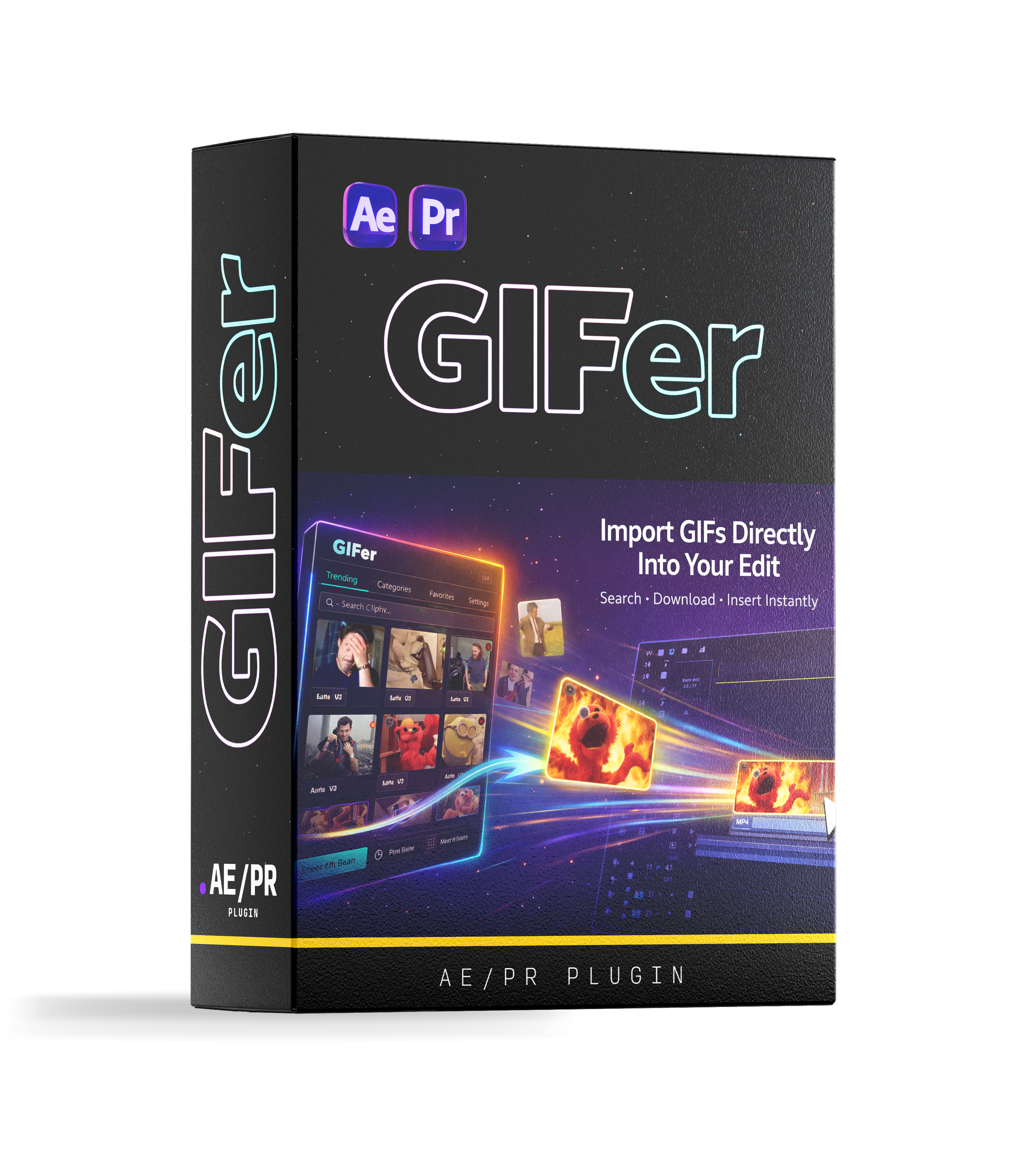
Browse, search and insert millions of GIFs from GIPHY directly into your Premiere Pro or After Effects project — without ever leaving your edit.
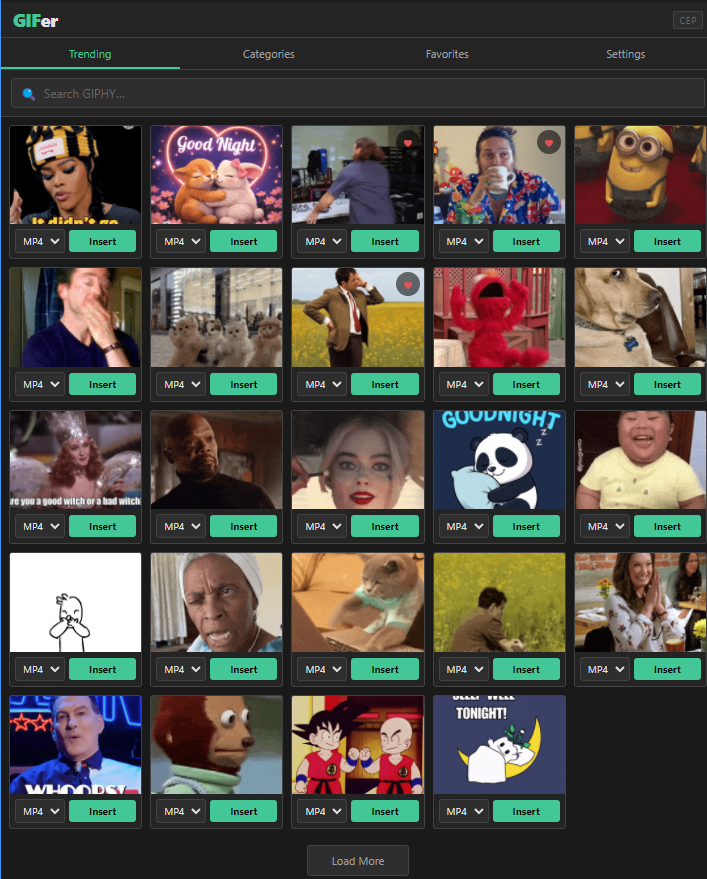
Instant Search
Search millions of GIFs from GIPHY's full library without leaving your editing app.
One-Click Insert
Click Insert and GIFer downloads the file and drops it at your playhead. That's it.
MP4 or GIF Format
Get files as smooth MP4 (recommended for timelines) or classic GIF — switch anytime in Settings.
Save Favourites
Heart any GIF to pin it to your Favourites tab for fast access on future projects.
Trending & Categories
Browse what's trending or explore categories — Reactions, Sports, Memes and more.
Your Own Free API Key
Connect your free GIPHY Developer key in 2 minutes. No ongoing subscription needed.
Install the Extension
Run the one-click installer (.exe on Windows, .pkg on Mac). GIFer appears under Window → Extensions.
Activate & Connect
Enter your license key, then paste your free GIPHY API key. Both steps take under two minutes.
Browse, Search & Insert
Search or browse trending GIFs, hover any result, and hit Insert. It lands on your timeline instantly.