Stranger Things Intro Template for After Effects
Recreate the iconic title sequence from the hit Netflix series. Glowing red type, vintage light animation, and that eerie atmosphere. Fully customizable, no plugins required, and completely free.
After Effects CC 2020+ · Available in the Filmit Studio Assets section · Always free, no subscription needed
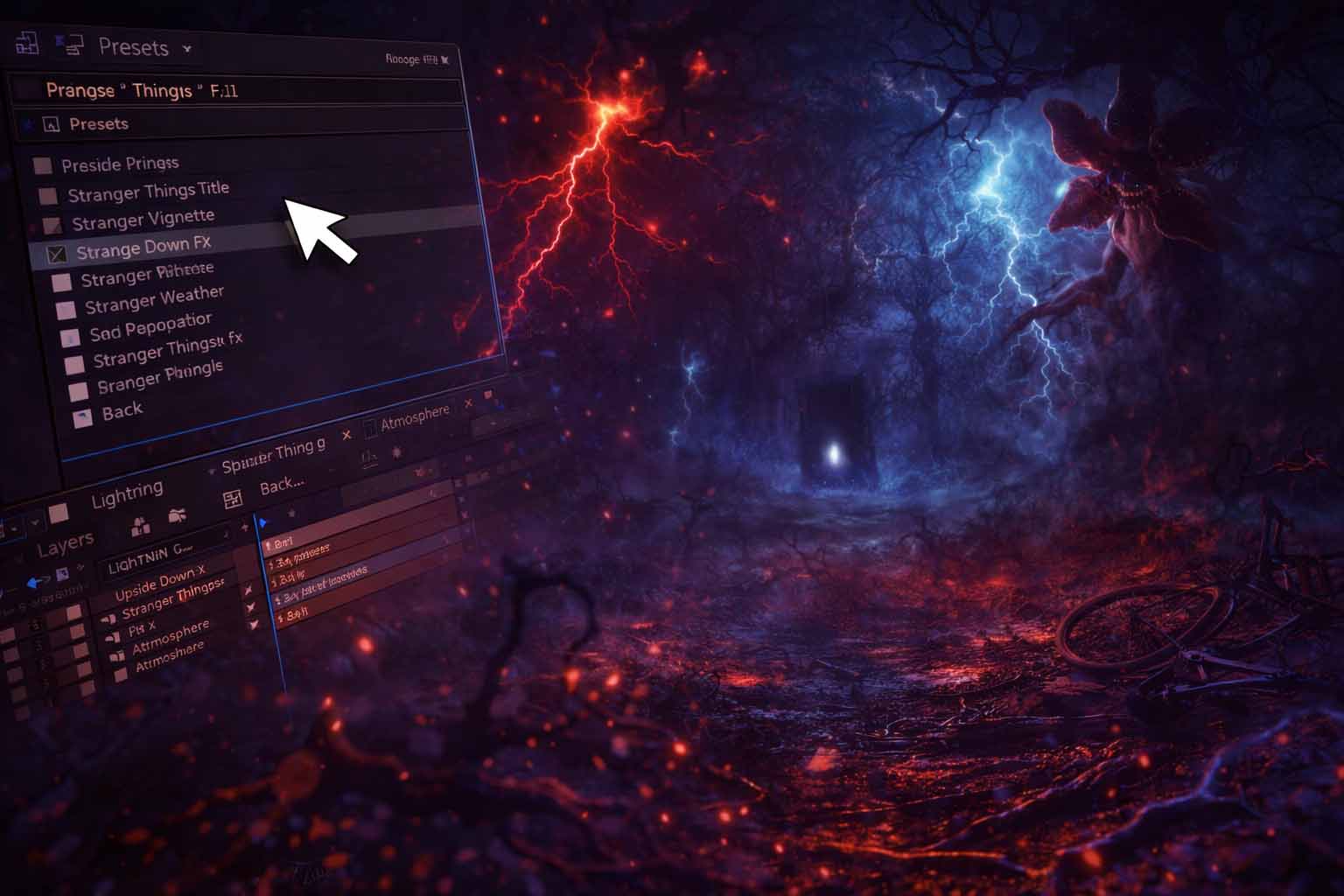
What's Inside
What's in the Template
Open the project, swap the text, render. It's that simple.
Editable Text
Just double-click and type your own title. The glowing animation updates automatically. Supports any font or custom text.
Color Controls
Change the glow color, background tint, and light intensity from a single controller. Make it yours.
1080p & 4K
Pre-built compositions for both 1080p and 4K output. Render-ready with no extra setup needed.
No Plugins
Built entirely with native After Effects effects. No third-party plugins or scripts to install. Just open and go.
Vintage Animation
Authentic light convergence and letter-by-letter reveal animation that captures the original feel.
Video Tutorial
Includes a quick walkthrough showing how to customize, render, and export your personalized intro.
How to Get It
Three Simple Steps
Create an account, download Filmit Studio, and grab the template from your Assets section.
Get It From Assets
Go to Assets → Freebies inside the Studio. One click to download. Open in After Effects and make it yours.
Perfect For
What Will You Create?
Fan edits, YouTube intros, Halloween videos, podcast openers. Go wild.
Fan Intros
Make your own version for fan films, watch parties, or tribute videos.
Halloween Edits
Perfect for spooky season content, Halloween party invites, or themed reels.
Short Films
Add a professional-looking title sequence to your indie or student film.
YouTube Content
Stand out with a cinematic intro on your channel episodes and series.
FAQ
Common Questions
More Free Stuff Coming Soon
We drop free templates and presets regularly through the Studio. Download it and they'll show up automatically.
Download Filmit Studio - It's Free